• AngleStand
  • AngleStand
  • AngleStand
  • AngleStand
  • AngleStand
  • AngleStand
  • AngleStand
  • AngleStand
  • AngleStand
  • AngleStand
  • AngleStand
  • AngleStand
  • AngleStand
  • AngleStand
  • AngleStand
  • AngleStand
  • AngleStand
  • AngleStand
  • AngleStand
  • AngleStand
  • AngleStand
  • AngleStand
  • AngleStand
  • AngleStand
  • AngleStand
  • AngleStand
  • AngleStand
  • AngleStand

AngleStand

Key Features:
• Foldable & ultra-portable
• Adjustable viewing angles 
• Stable A-frame structure 
• Scratch-resistant & durable material
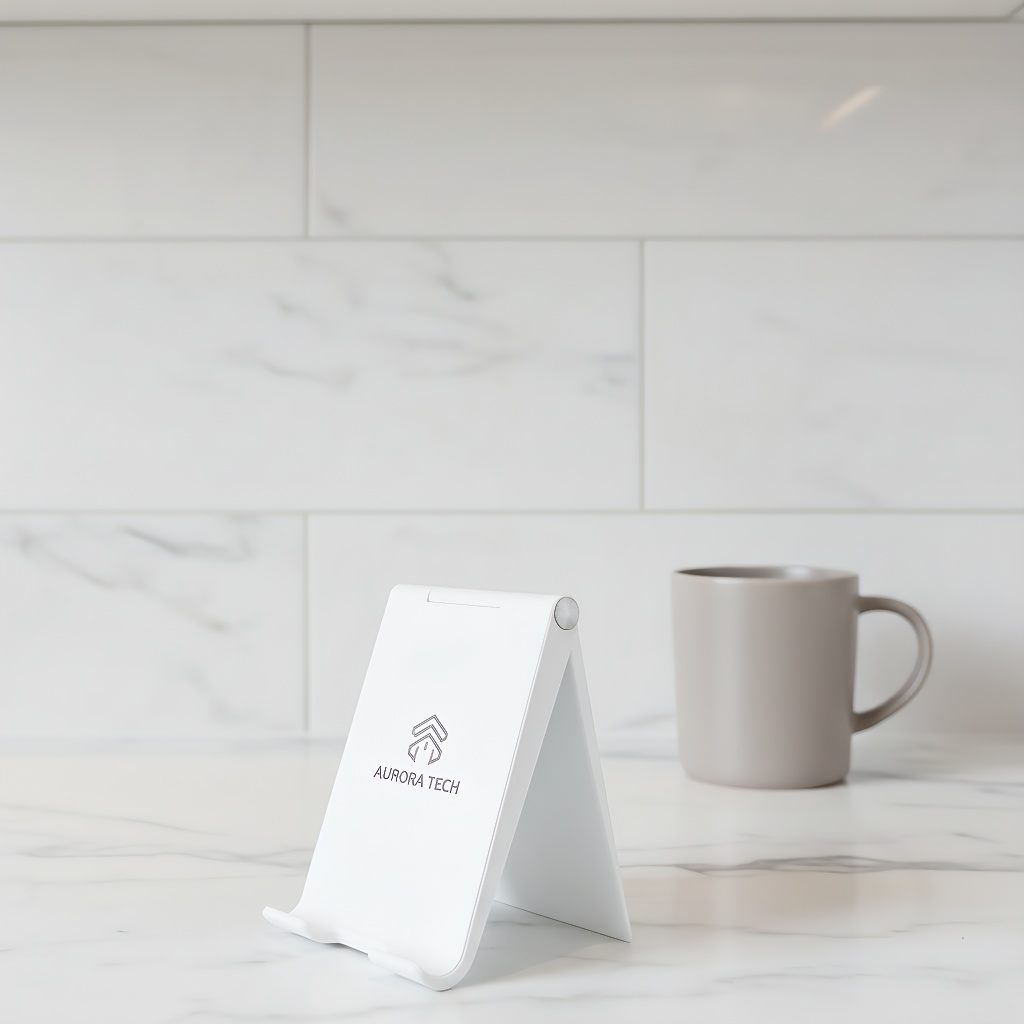
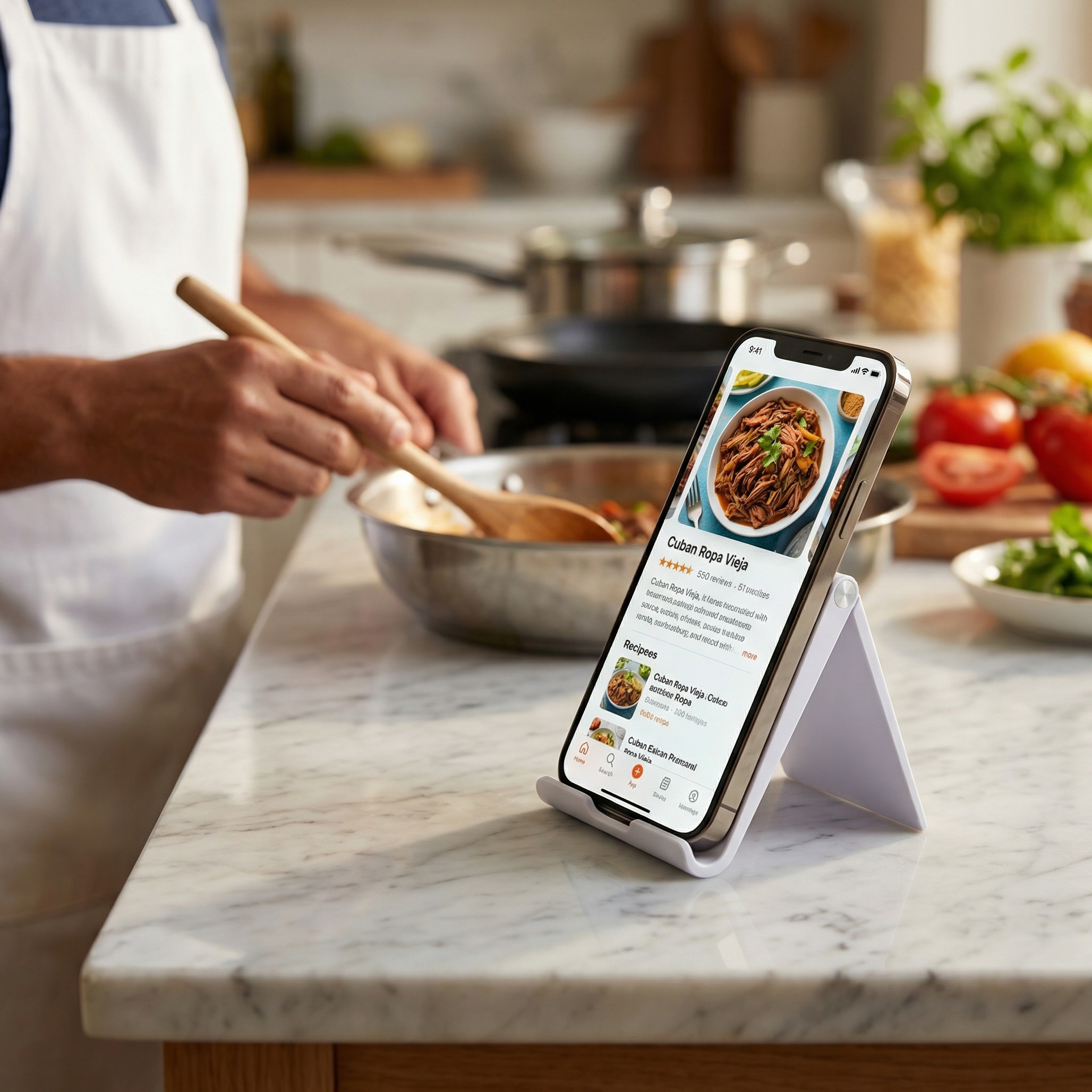
• Ideal for desk, office, kitchen, or travel use 
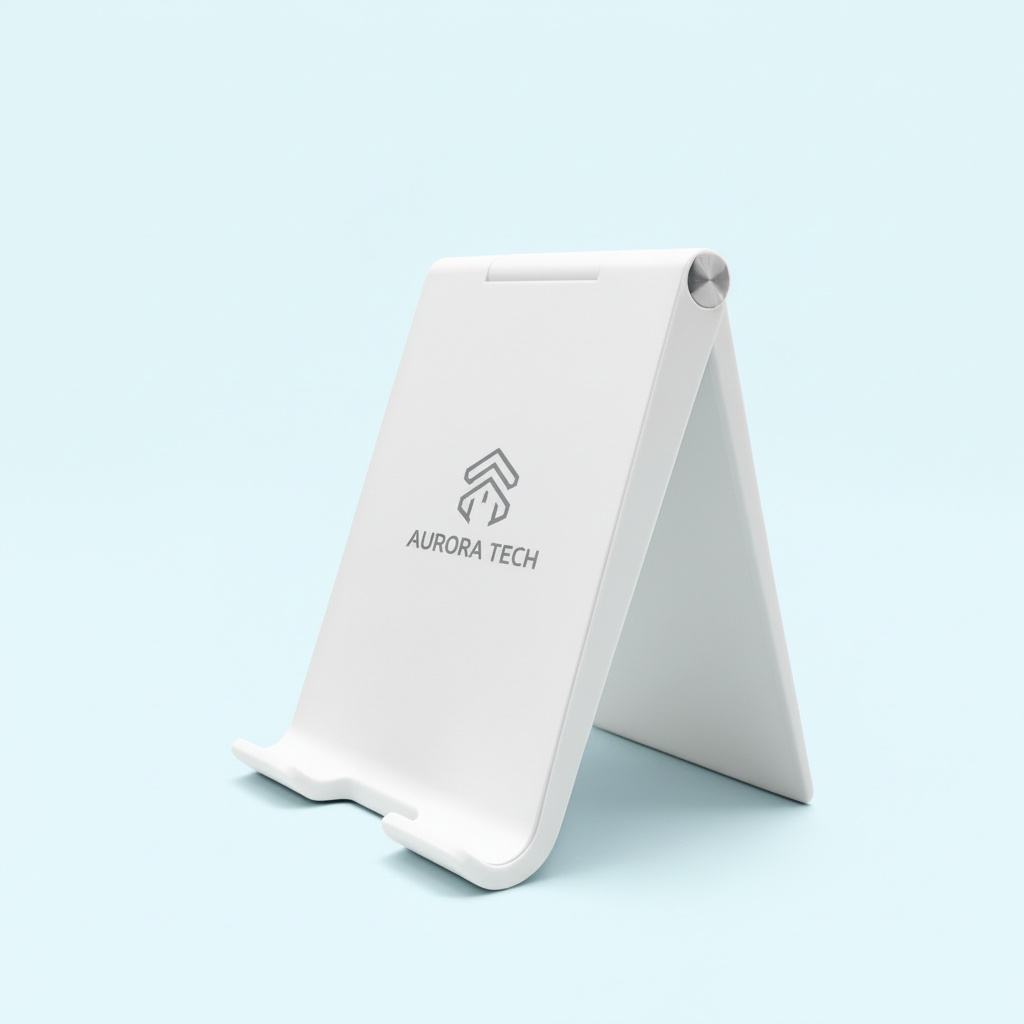
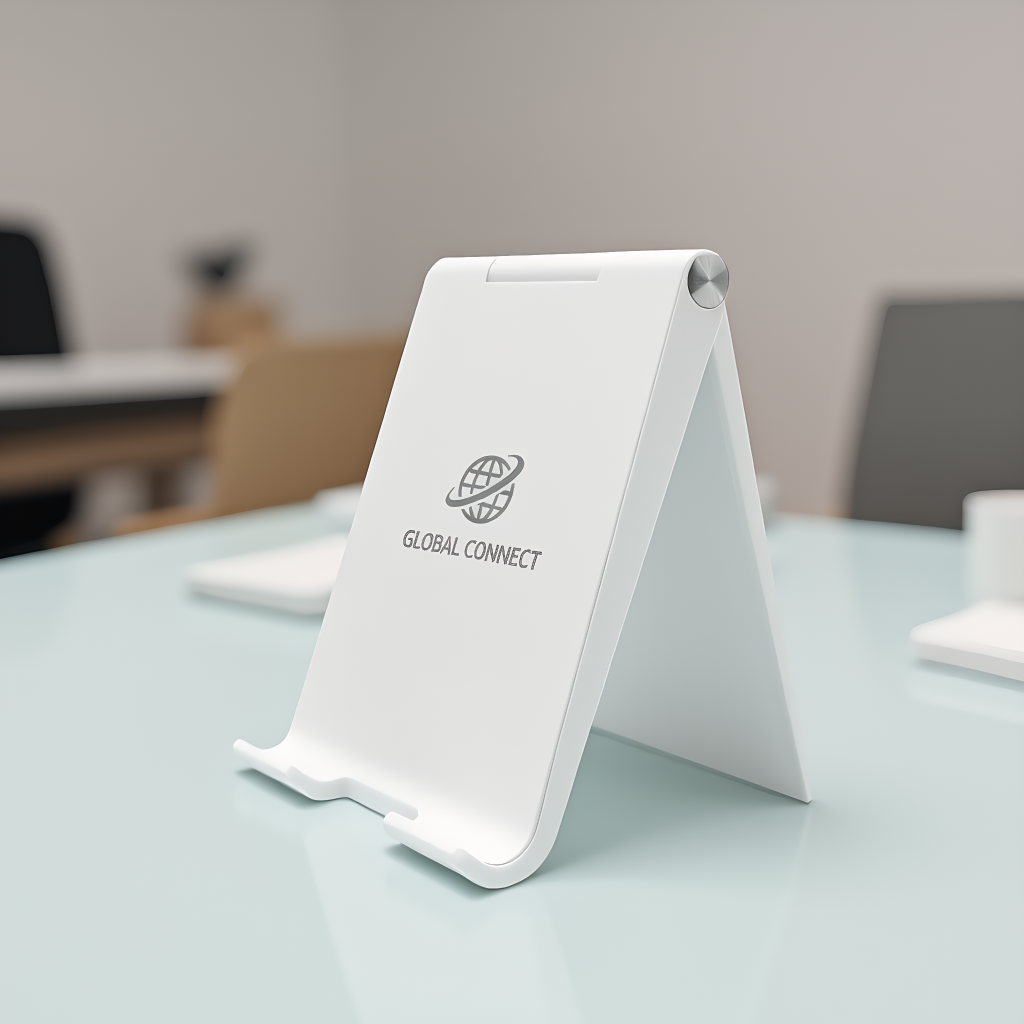
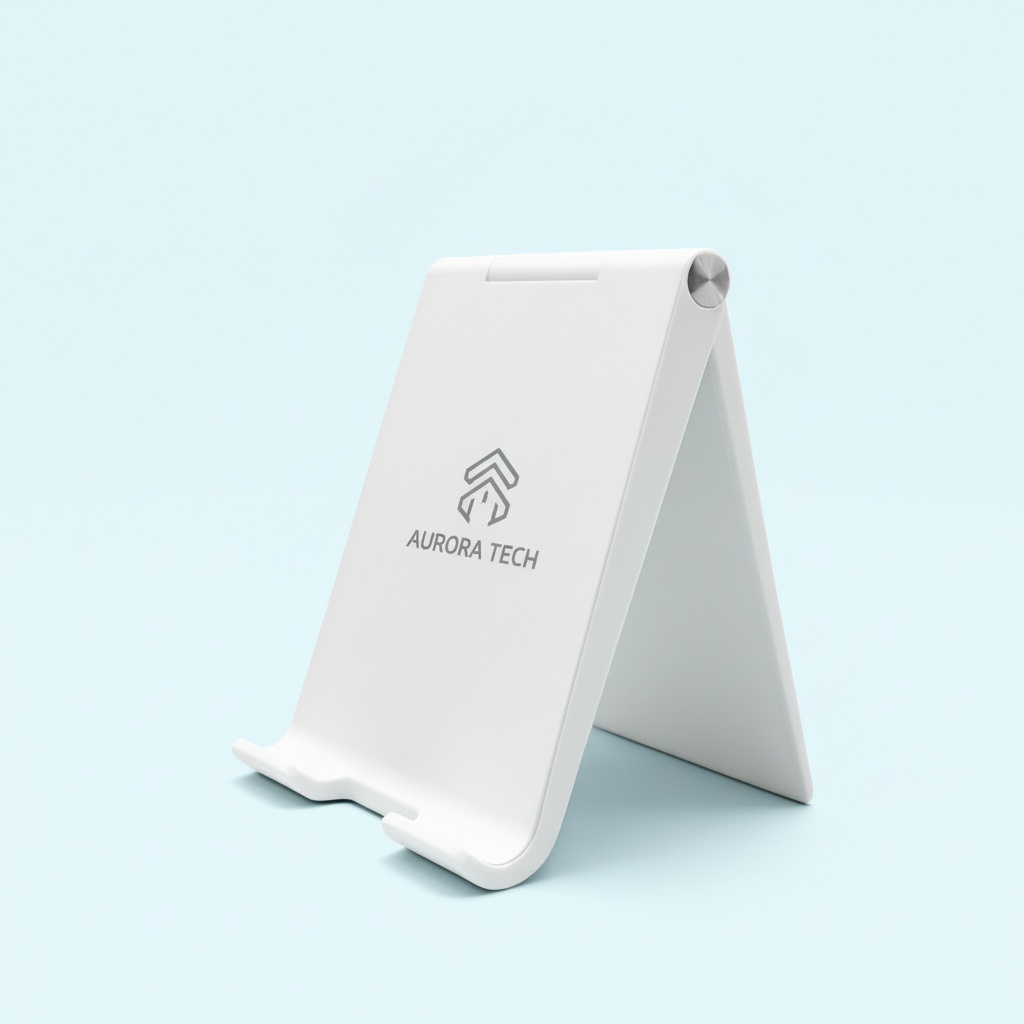
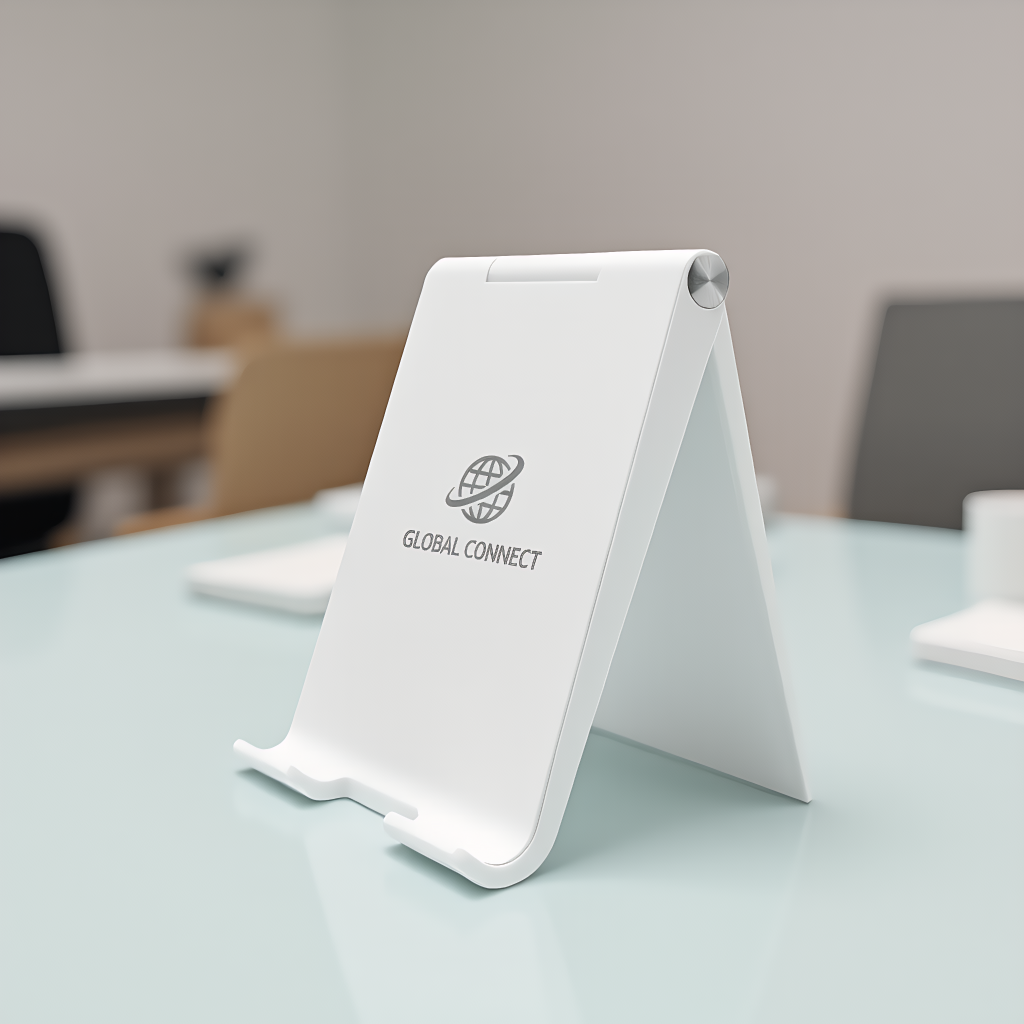
• Large logo area for custom branding
• Well-designed for smartphones, e-readers, and mini tablets.
 A great giveaway item for trade shows or promotional events. Bring both function and style to your daily routine with this versatile phone holder.
MOQ
Flexible
Color
Customizable
ODM / OEM
Customizable
  • Description

  • Product Information

Product Overview

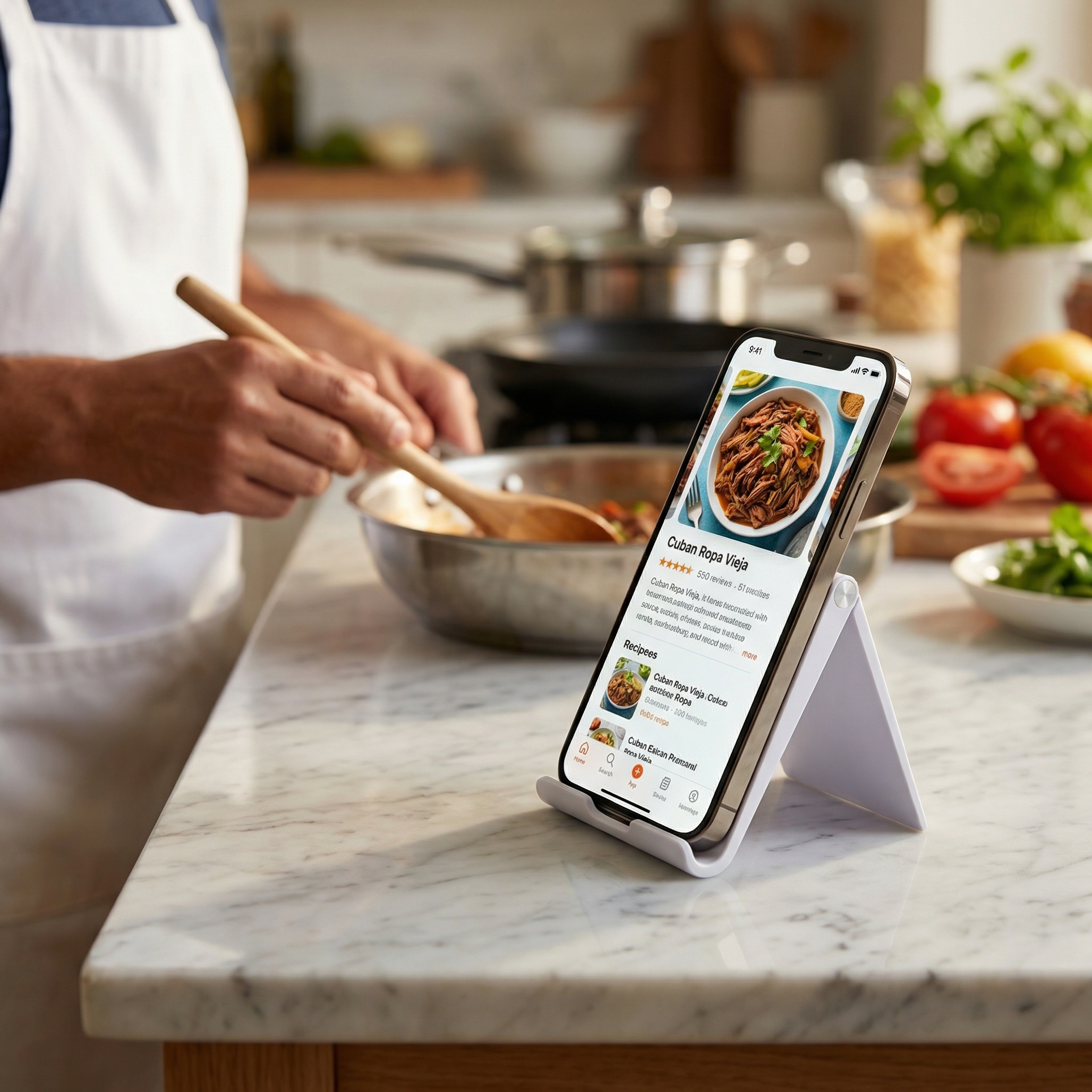
AngleStand is a foldable phone stand with an adjustable frame, designed for a working desk rather than a pocket. Opened into its A, it holds a phone, e-reader or mini tablet against a raised lip at the angle you choose, while you type, read a document or sit through a call.

The product suits anyone who keeps a phone within arm's reach all day: administrative staff fielding messages, engineers checking a drawing against a screen, buyers moving between calls, and reception teams running a check-in app. White is the standard finish, and both the body color and the front-panel print can be matched to a brand, so the same promotional phone stand works as an office accessory and as a giveaway.

As a phone stand OEM manufacturer we supply the stand in bulk to office product suppliers, promotional distributors and corporate buyers.

- It stands without fixing. No clamp, screw, adhesive pad or desk edge is needed, so it works on laminate, glass-topped and hotel writing desks where a clamp arm has nothing to grip. - No power, no pairing, no upkeep. There is nothing to charge, connect or update, so the stand works the day it arrives and every day after — unlike the battery-powered gadgets that end up in the same gift box. - One item for two channels. The plain white stand covers office supply and the printed version covers a campaign, so a distributor stocks one product rather than two. - A neutral look that suits the brand on it. The shape is simple enough to sit on an executive desk and on a reception counter without looking out of place, so one product covers several gifting tiers. - Small enough to keep beside the keyboard. On a desk where an adjustable phone stand for office desks has to share space with a monitor, a keyboard and a notebook, the stand stays inside the width of the phone it holds.

Material, Finish & Build

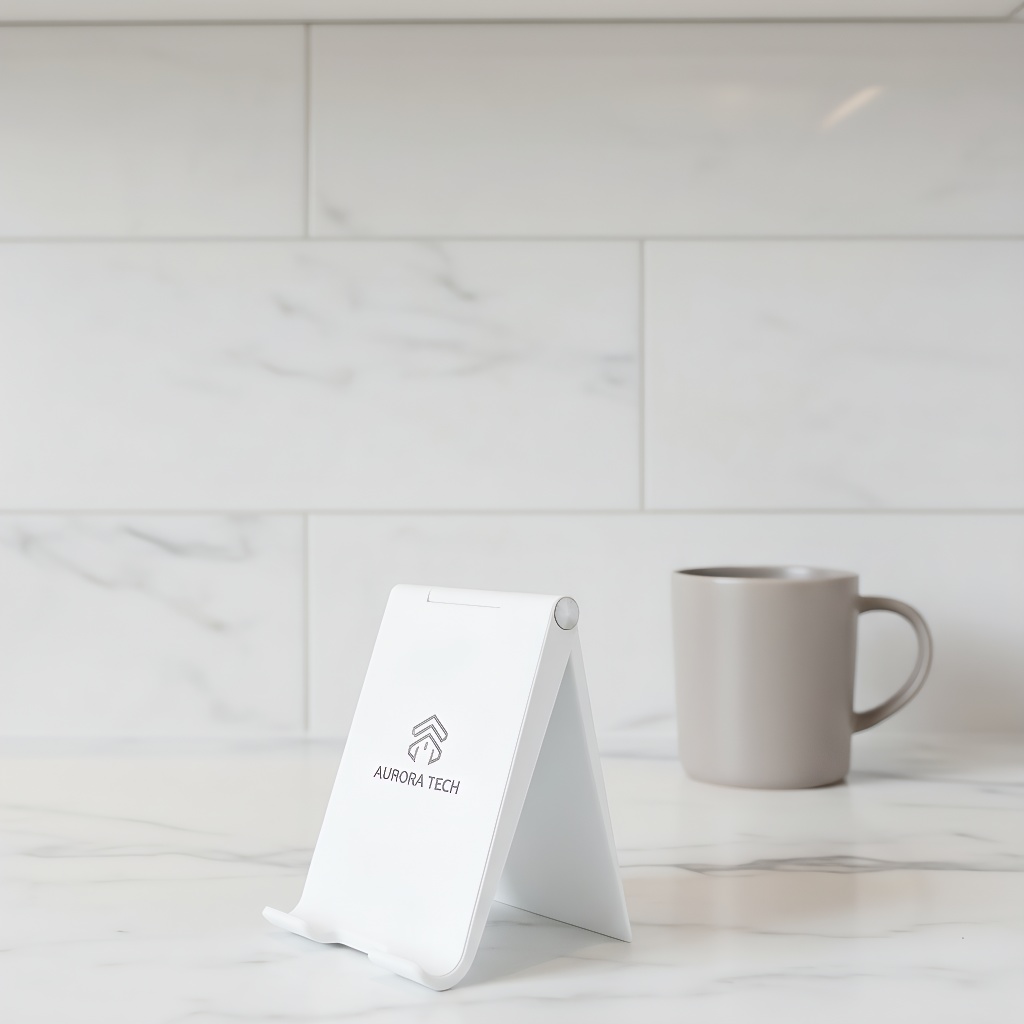
AngleStand is molded in ABS plastic, the material most desk accessories are made from because it takes a clean molded edge, shrugs off the knocks of daily handling and stays light enough to move between rooms. The body is finished in a smooth matte that hides fingerprints, does not throw a lamp reflection back at the user, and resists the scuffs a gloss molding collects in a bag or a drawer. The standard body color is white; a custom shade can be matched to a brand palette. Branding goes on by silk screen printing, the method that suits a promotional phone stand because the ink sits flat on the front panel, holds a sharp edge on small type and adds no thickness that could interfere with the fold. Handling marks show up first on a polished part, which is why the matte surface keeps a stand that has been on a desk for a year looking like the one in the sample room.

A-Frame Structure & Stability

Two panels meet at a hinge along the top edge and open into an A. That geometry sends the weight of the device straight down into the desk rather than out to the sides, which is what keeps the frame steady without a wide base or a heavy foot.

A raised lip runs along the lower edge to carry the device. Its depth is what stops a phone sliding forward as the angle steepens — the bottom edge of the phone sits behind the lip instead of resting on a flat face. Because the front and back panels brace each other at the top joint, the frame absorbs the small sideways forces that come from tapping a screen, plugging in a cable or knocking the desk.

The profile is deliberately open. There is no back plate between the user and the device, so the camera, the speaker and the side buttons stay clear and the desk surface underneath stays visible. On a soft surface — a desk mat, a tablecloth, a hotel writing desk — the flat base spreads the load instead of concentrating it on small feet.

Stability also depends on the angle. Opened wide, the stand sits low and is hard to tip; opened steep, the rear panel takes more of the load and the lip takes more of the device's weight. That relationship is what lets the frame sit steep enough for a video call without the phone leaning back into it. It opens quickly and holds a device firmly without slipping, and the matte finish keeps the phone from sliding during long sessions. Adjusting the angle helps ease neck and wrist strain over a full working day, while the compact size packs easily for travel and sets up in seconds.

Everyday Handling & Reliability

A foldable phone stand lives or dies on its joint, and on a working desk that joint is exercised twice a day: once when the frame is opened and once when it is put away. Opening takes a single movement, because the frame swings from flat into its A; there is no catch to release and no second leg to unfold. Setting the phone down completes the same action, and from that point the stand does the holding.

The matte finish matters more than it sounds. It gives both the support lip and the back panel enough friction that a phone does not skate when the screen is tapped or a message arrives, and it keeps fingerprints off a surface that is looked at all day. Because there are no springs or ratchets in the frame, changing the angle during a call makes no noise — worth thinking about in an open-plan office where a dozen small sounds stack up.

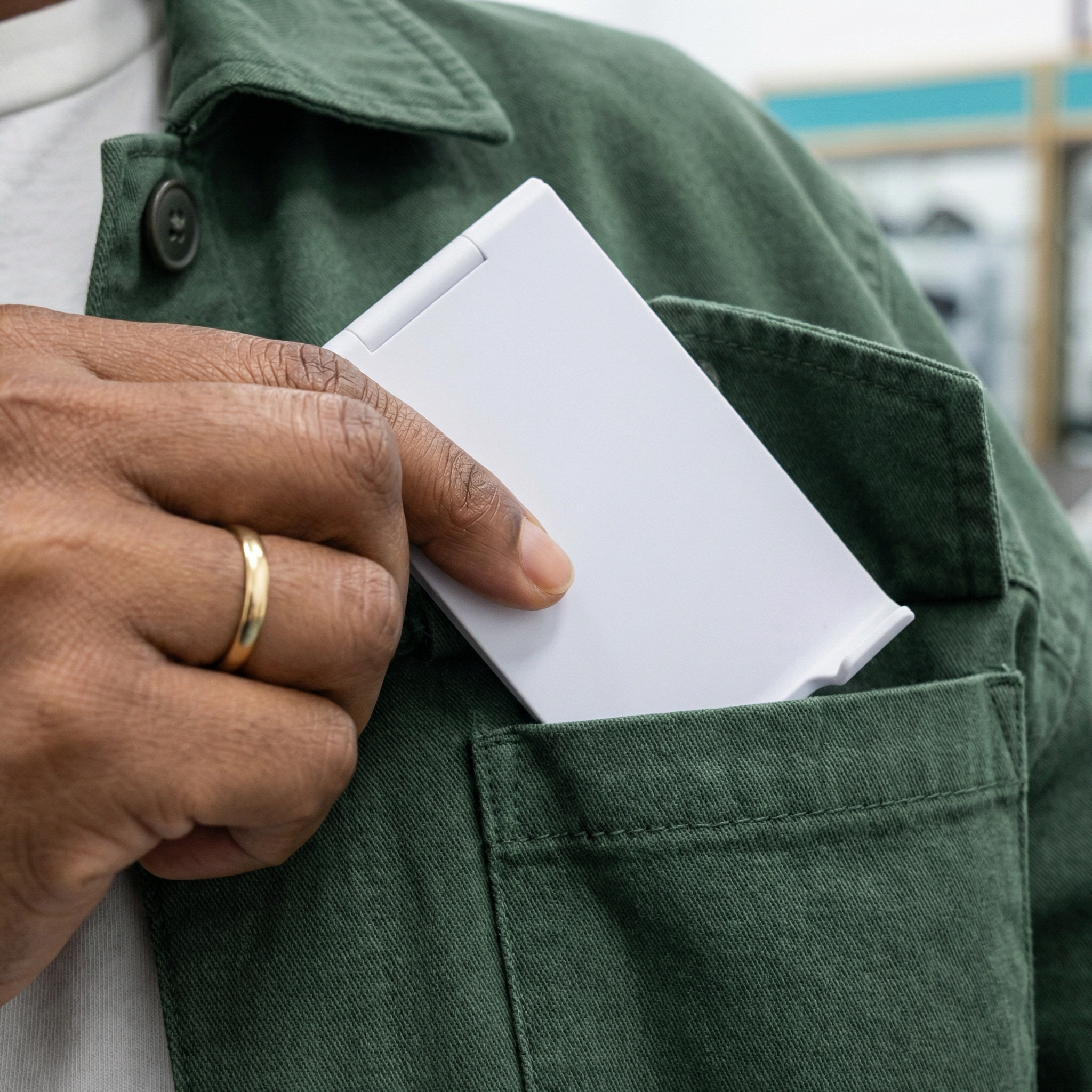
At the end of the day the stand closes into a slim rectangle for a drawer, a locker or a laptop bag before a client visit. That is what makes it workable in hot-desking: the accessory travels with the user instead of staying behind on the desk. There are no screws to re-tighten, no separate parts to lose and no second mechanism to keep in step with the first, so the stand that comes back tomorrow is the one that left today.

It is a desk accessory, sized for a phone, an e-reader or a mini tablet on a flat working surface rather than a clamp, an arm or a mount.
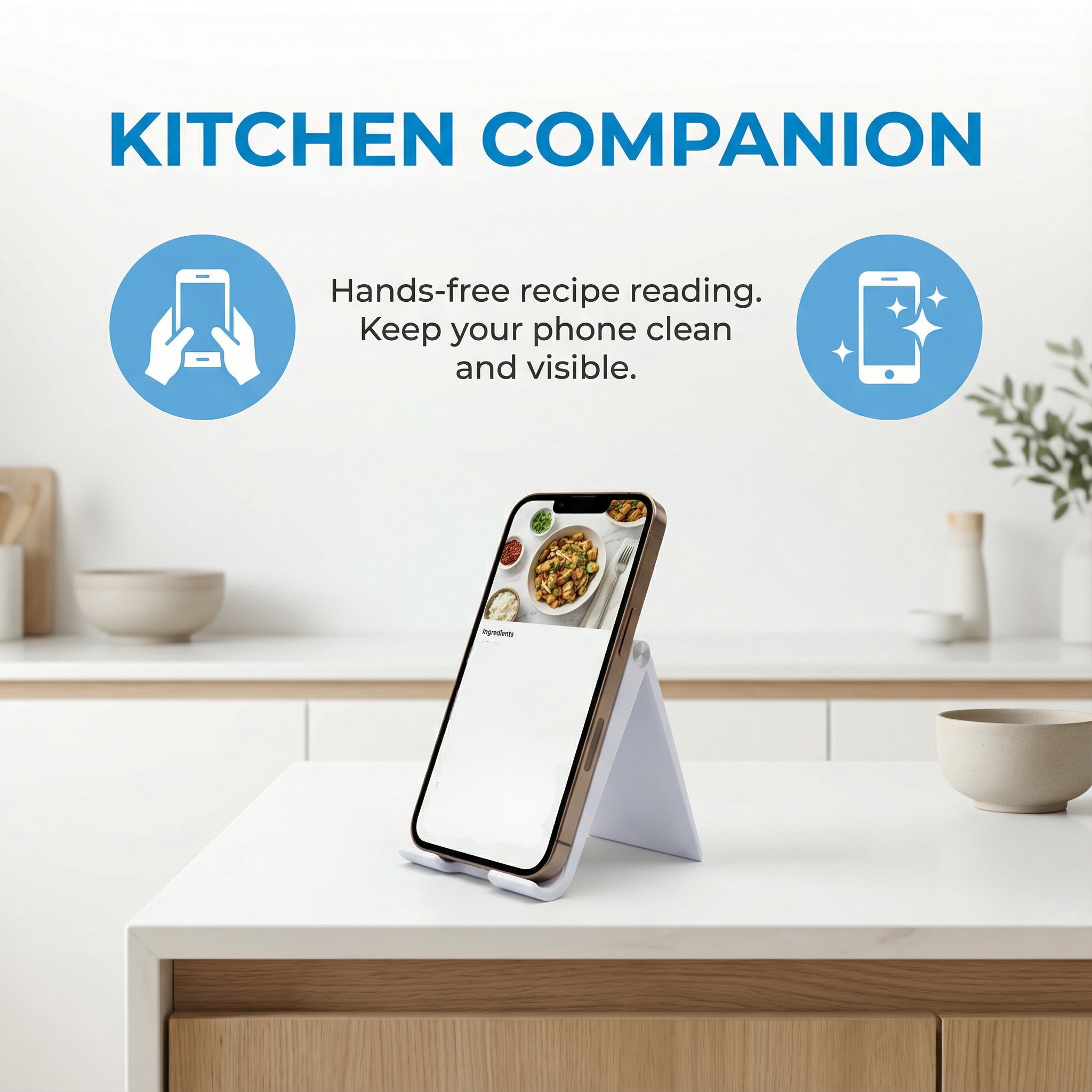
Adjustable Viewing Angles

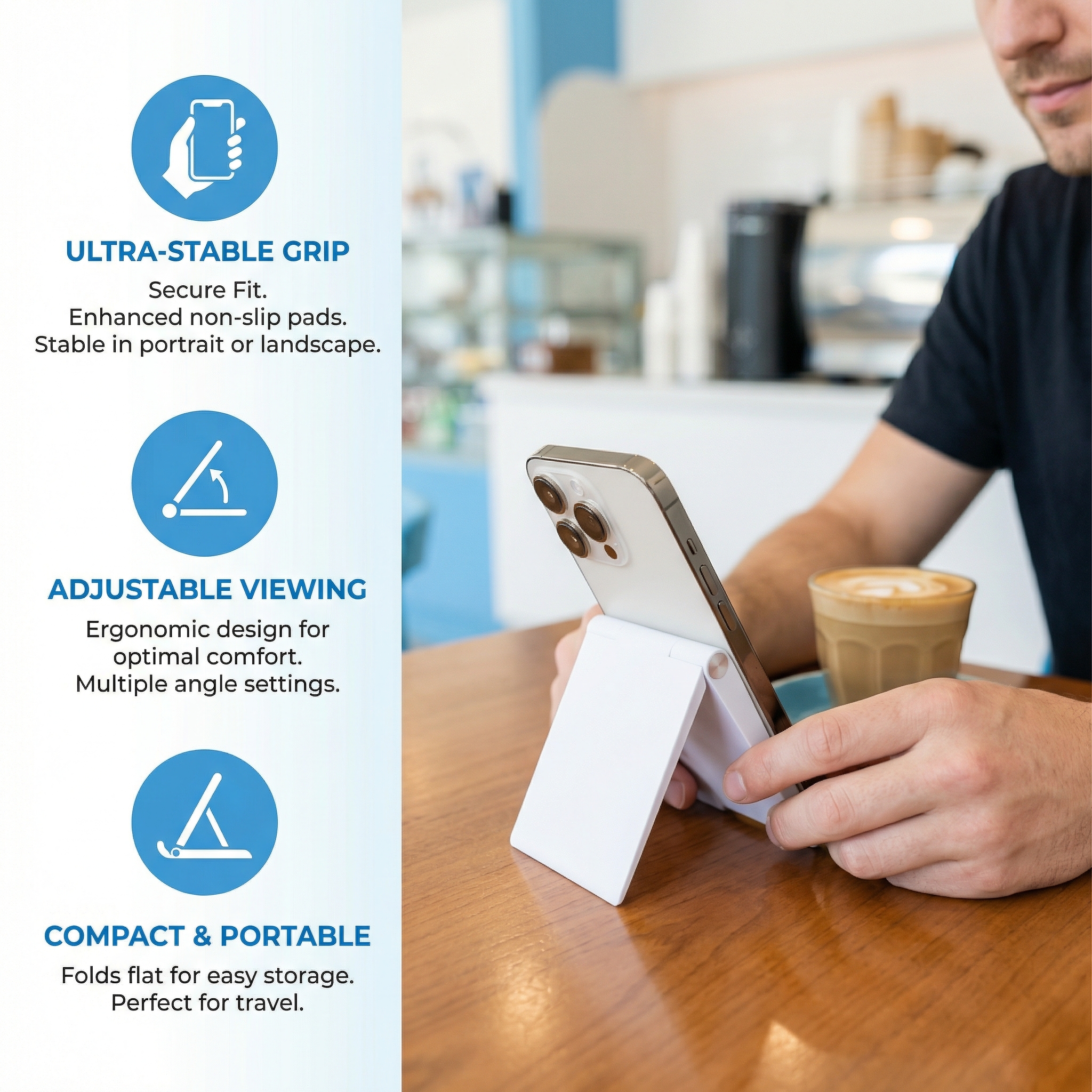
  • A position for each task. Upright for a video call, tilted back for reading a long document, and shallower again when the screen has to be tapped rather than watched.
  • Set by the user, not the furniture. The joint moves through a range of angles, so the same adjustable phone stand works at a fixed desk, on a sit-stand riser and at a shared table without a second accessory.
  • An angle that stays put. Once set, the hinge holds position under the weight of a phone or mini tablet, so the screen does not sink toward the desk during a long session.
  • Portrait or landscape. The device can be turned inside the frame for a wide document or a group call; the support lip carries it either way.
  • Nothing across the screen. The frame holds the device from below, so there is no arm, clamp or strap in front of the display or the front camera.

Ergonomic Support at the Desk

  • The screen comes up to the eyes. A phone lying flat forces the neck down for as long as the task lasts; raised and tilted, the display sits closer to eye level and the head stays more upright.
  • The arm goes back to the desk. Holding a phone up, or keeping a hand on it while reading, keeps a shoulder raised; once the frame carries the device, both hands are free for a notebook or a keyboard.
  • Strain is cumulative. Comfort on a desk is decided over hours rather than in a single movement, which is why the phone keeps the same relationship to the eyes from the first message of the morning to the last call of the afternoon.
  • A second screen that does not take over. The phone can sit at the edge of the workspace, in view for messages or a running call, without displacing the keyboard or the main monitor.
  • Reading distance stays workable. Held in the hand, a phone drifts closer to the face as a session goes on; on a stand it stays at a fixed distance, which is easier on the eyes over a long read.
  • The stand earns its place in organized offices, conference rooms and promotional settings, holding a phone steady for hands-free video conferencing, document viewing and streaming. For marketing use, custom logo areas can be arranged for trade shows and corporate gifting, with the exact branding options confirmed with the supplier. Travelling professionals can fold it flat and keep working through remote assignments and time on the road.
  • Most of the time the frame is holding a phone that is doing one of four things: showing something that has to be copied, being read, playing video while the user's hands are busy, or sitting quietly as a status display. Copy-and-check work is the most common. A tracking page, an invoice total, a part number in a knowledge base, a customer record — held at a readable angle beside the keyboard, the phone can be glanced at instead of picked up. That is the difference between a two-second check and losing your place in the task you were doing. Reading is the second. A phone or e-reader propped on the stand behaves much more like a page than a device held in the hand, and the angle can be set to suit a chair rather than a grip — which is why the same stand gets used at lunch, in a breakout area and at home in the evening. Video with busy hands is the third: a tutorial running while a part is assembled, a recorded training clip followed step by step, a workout in a spare room. The stand turns the phone into a small screen that stays where it was put. The fourth is quiet monitoring — a message feed, a queue number, a status dashboard — where the phone is not being used but has to stay visible. Those four patterns cover most of what a desk stand is actually asked to do, and each depends on the angle being changeable rather than fixed.

Applications by Workplace

  • Open-plan office desks. One adjustable phone stand per workstation keeps the phone out of the keyboard area and in view for messages, without adding a second screen.
  • Meeting and conference rooms. Short sessions, shared tables, and a device that has to be readable by two or three people at once.
  • Reception and front desks. A check-in app or a queue display held at an angle that works for staff and for the visitor standing on the other side.
  • Home and remote offices. The same stand moves between a kitchen table in the morning and a proper desk later in the day.
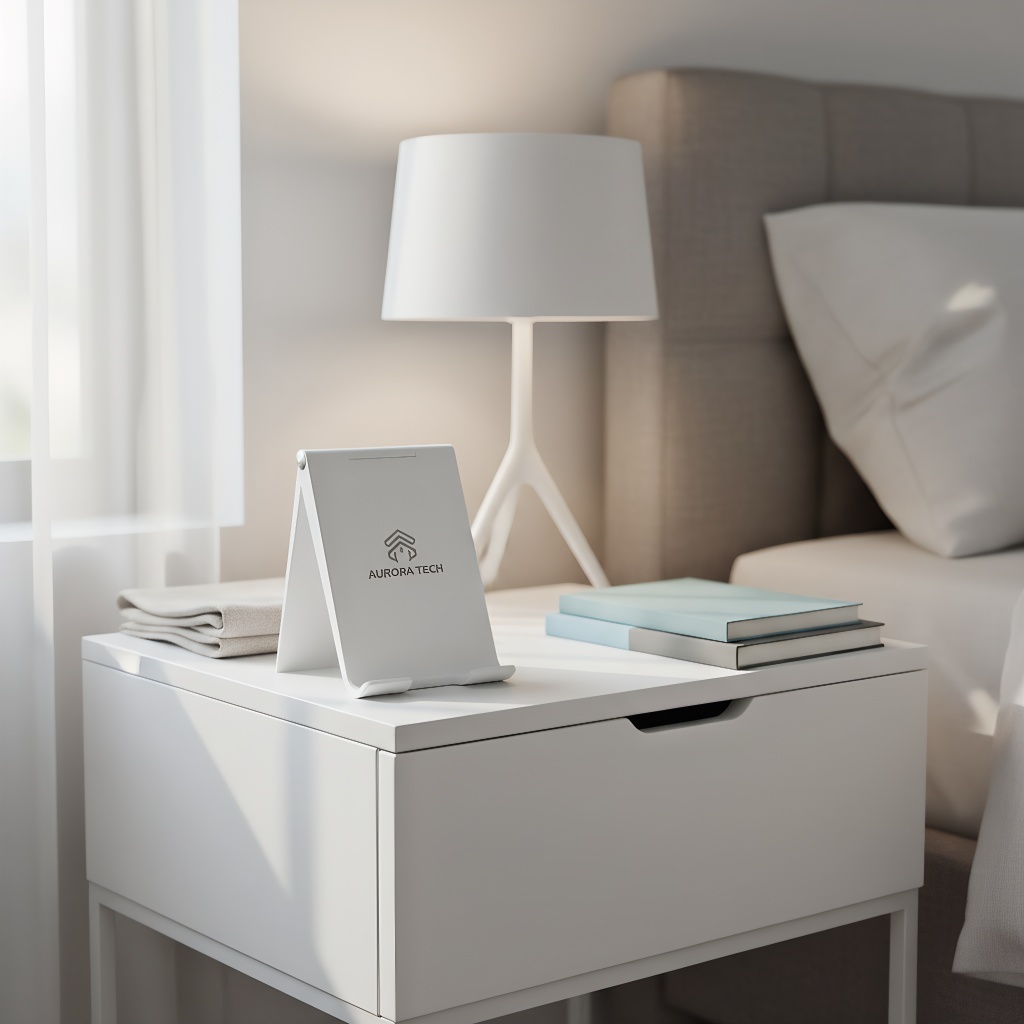
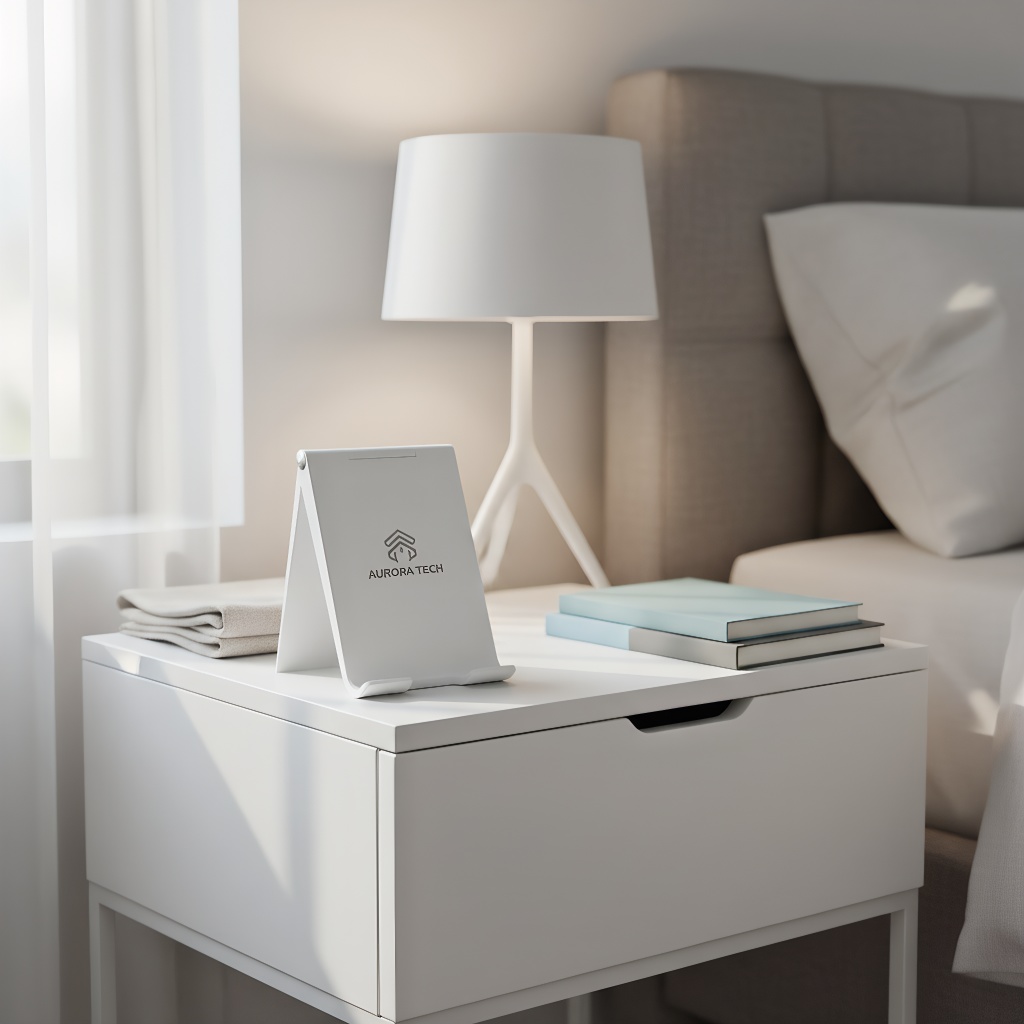
  • Hotel and hospitality guest rooms. A guest's own phone gets a stable spot as a bedside clock or an alarm, with nothing to install.
  • Training and briefing rooms. A phone or mini tablet showing a procedure or a looped clip, held where a small group can see it.
  • Event registration and pop-up stands. A phone running a check-in list or a demo clip, held up where staff and visitors can both read it.
  • The fold-flat mechanism works together with the rigid A-frame so the stand stays steady on different surfaces, and the simple construction is built to hold its shape through repeated opening and closing rather than loosening over time. Adjustable angle settings let a single frame take different phone sizes and mini tablets, and the stand slots easily into an office toolkit or a bundle of work accessories.
  • The camera looks at a face. A phone lying flat shows the ceiling and the underside of a chin; raised and tilted on the frame, the lens points where the other people expect it to. - Predictable framing for the other side. The phone stays where it was placed for the whole session, so remote participants are not following a moving camera every time the user reaches for a notebook. - Hands free for notes and gestures. Both hands stay available for a notebook, a keyboard or a whiteboard behind the desk. - Suits the way offices run meetings now. Half the participants in a room and half on a call is normal; an adjustable phone stand for office desks keeps the remote side looking at a steady, level picture instead of a handheld pan. - One setup repeated across rooms. The same angle range and the same finish in every meeting space means nobody has to re-learn the stand when they move to a different floor.

Specifications

Product code80581
MaterialABS plastic
ColorWhite as standard, or custom color
BrandingSilk screen printing on the front panel
FinishSmooth matte, scratch-resistant
StructureFoldable A-frame with adjustable viewing angle
Device supportSmartphones, e-readers and mini tablets
Device restRaised support lip along the bottom edge
CertificationsCE, FCC, RoHS
Folded formFolds flat for a drawer, bag or kit

Promotional Events & Brand Visibility

The test of a promotional phone stand is whether it is still on the desk three months later. It usually is, because it is used every working day and because the person using it sees the brand every time they look at their phone — daily exposure that a printed card never gets. The flat front panel takes a logo, a short campaign line or a product name in one color, and the print keeps a sharp edge on small type. Body color is specified by the buyer, so a palette can run across the stand, its packing and the rest of the kit instead of stopping at the logo. For event teams the case is logistics. Flat, light and stackable, the stand goes into delegate bags and shipping cases without using space that better belongs to a catalogue or a sample, and it can be handed out at a registration desk without a demonstration.

Ordering & Delivery

  • Quantity and minimums. Order quantities are flexible rather than fixed to a single figure; confirm the minimum that applies to your combination of color and print with your sales contact before the run is scheduled.
  • Color matching. For a custom body color, send a physical swatch or a color reference so the match is agreed against something both sides can see.
  • Artwork and print position. Supply vector artwork for the front panel and confirm the print area; each print color has its own setup, so the count is worth settling early.
  • Samples. Ask your sales contact about sample availability and approve a physical unit — hinge feel, matte finish and print position are easier to judge in the hand than on a screen.
  • Lead time. Timing depends on quantity, print colors and the finishing chosen; confirm the current lead time when the order is placed.
  • Packing and shipping. Confirm the packing format your channel needs — bulk carton, individual bag or gift box — and agree the shipping terms with your sales contact.
  • Repeat orders. Keep the approved sample and artwork reference on file so a reorder matches the first delivery.

Scale & Supply Capability

We are an integrated manufacturer and trading company established in 2005, with more than two decades supplying wholesalers, brand owners and distributors across North America and Europe. Our broad range of promotional and corporate gift products lets buyers consolidate different requirements with one supplier. OEM and ODM support is available for custom branding and product development, and our team coordinates production and export from first inquiry through delivery.

FAQ

Which devices can this adjustable phone stand hold?

It is sized for smartphones, e-readers and mini tablets — anything that fits within the frame and rests on the bottom lip. Because the device is held along its lower edge rather than clamped, a phone in a slim case sits normally; a very thick rugged case is worth testing on a sample before a large order.

Is there room to charge a phone while it is on the stand?

The frame is open at the sides and the back, so a charging cable can usually be routed to the phone while it sits on the stand. The support lip sits under the bottom edge, so check that your connector clears it — a right-angled plug is the easiest fit.

What are the logo and color options?

The stand is produced in white as standard or in a custom body color, with branding applied by silk screen printing on the flat front panel. As a phone stand OEM manufacturer we work from your vector artwork and a color reference, so send both and confirm the print area and the number of colors before the proof is approved.

Will the stand scratch my phone or the desk?

The device rests on a smooth molded lip rather than on sharp edges or exposed fixings, and the base is a plain ABS surface with no metal feet to mark a veneer or laminate desk. Keep grit off the lip and the finish stays clean.

How should the stand be cleaned?

For everyday desk dust, start with a dry microfibre cloth or a soft duster and sweep the frame, the support lip and the hinge area before using any moisture; this lifts grit that would otherwise be dragged across the matte surface. For a deeper clean, use a soft cloth wrung out in plain water or water with a little mild dish soap, wipe the body and the lip where dust collects, then go over the piece with a dry cloth so no moisture sits in the seams or the joint. Keep abrasive pads, scouring cream, bleach, acetone and solvent-based cleaners away from the stand: they dull the matte finish and can soften or lift the silk-screened print. Treat the printed front panel gently — a light pass with the damp cloth is enough, and avoid scrubbing the logo area or spraying cleaner directly onto it. Do not spray cleaner into the hinge; wipe it with a barely damp cloth and dry it, because residue in the joint can make the angle adjustment feel gritty. If a sticky label or adhesive residue needs removing, soften it with a warm damp cloth and mild soap rather than a scraper, and check with us before trying any solvent on a bulk order. In shared reception areas, trade-show giveaways and other high-touch settings, wipe the stand more often and inspect each unit before packing; dry it fully before folding it closed for storage. If your team plans to use a particular commercial disinfectant across a batch, confirm compatibility with the supplier first.

Is it suitable for shared desks and hot-desking?

That is one of its better uses. As an adjustable phone stand for office desks it can be re-set for each user in a second and folded away at the end of a shift, so the next person gets a clear surface and a stand adjusted to them.

Order & Customization
MOQ: Flexible
Logo: Custom printing available  
Color and Packaging: Custom design supported  
Sample: Available upon request

Certifications
CE  
FCC  
RoHS
Leave a message
Name
Email*
Message
Verification Code*
Verification Code