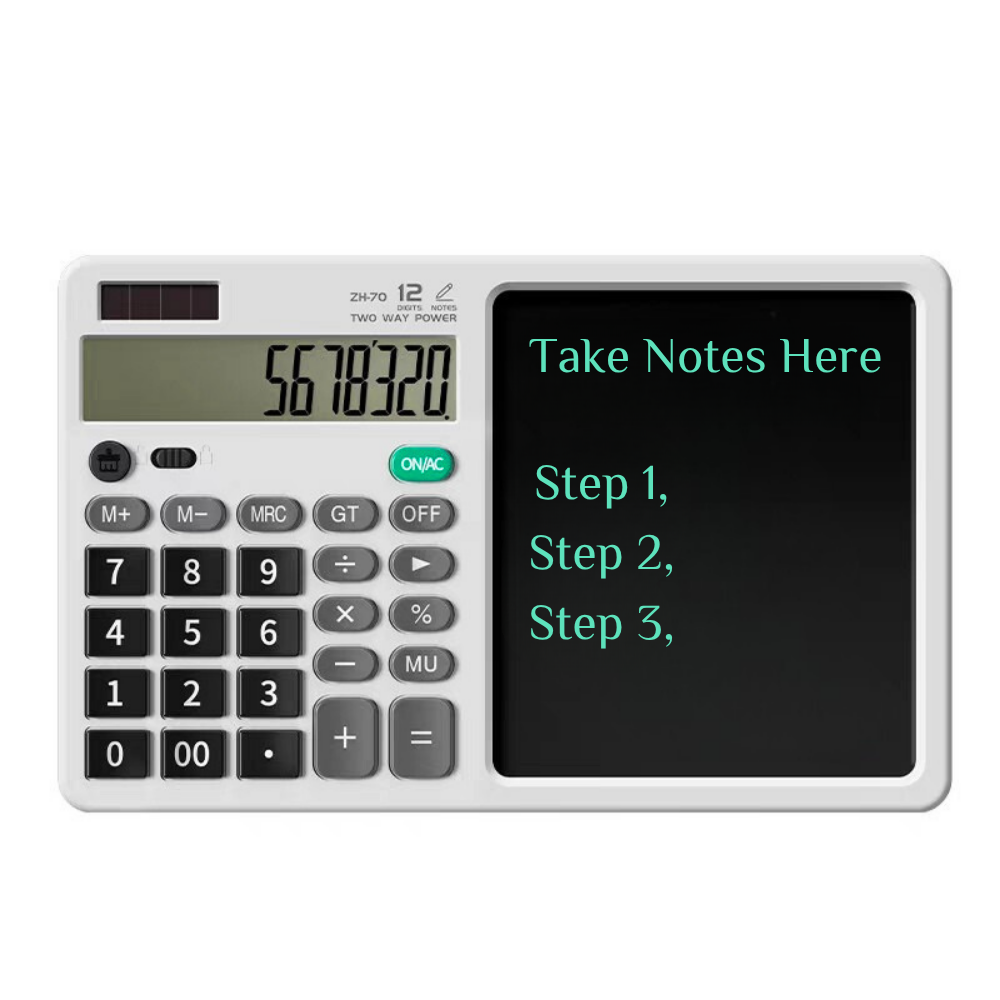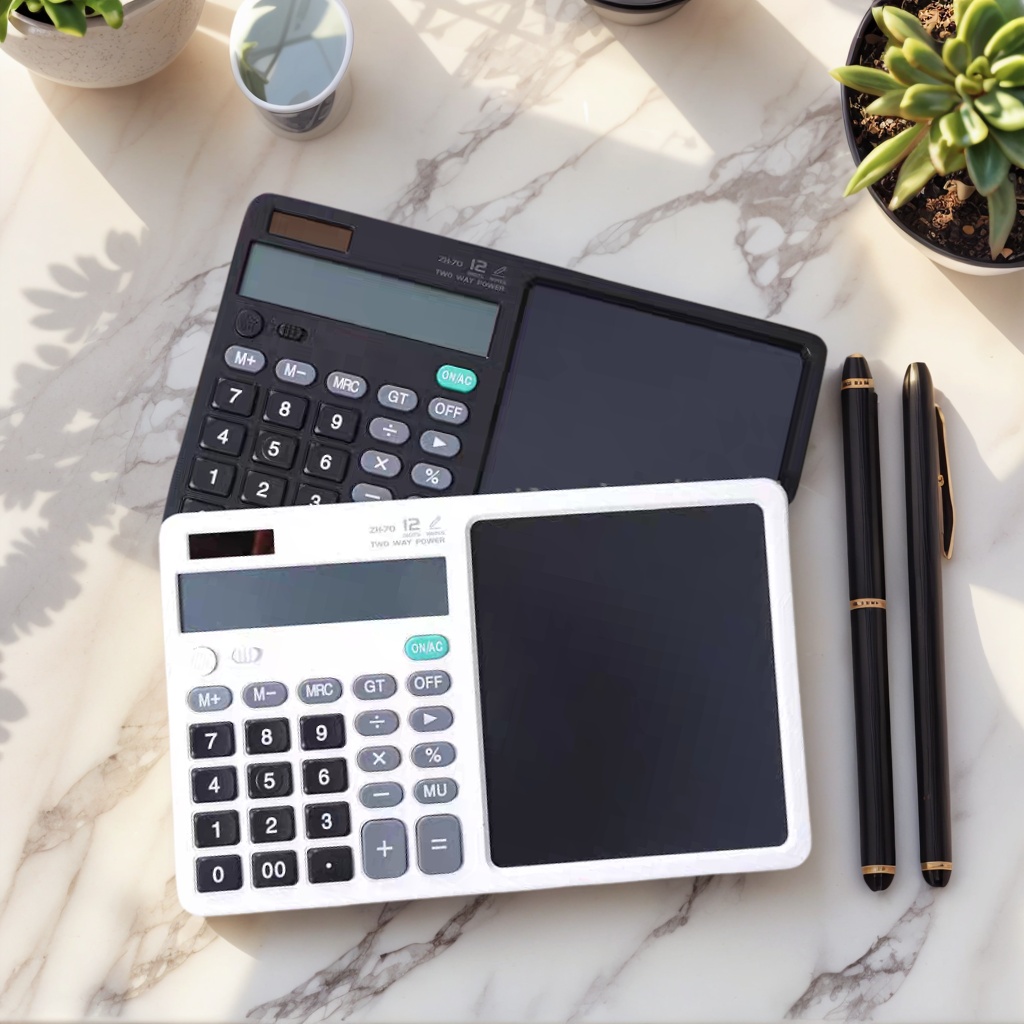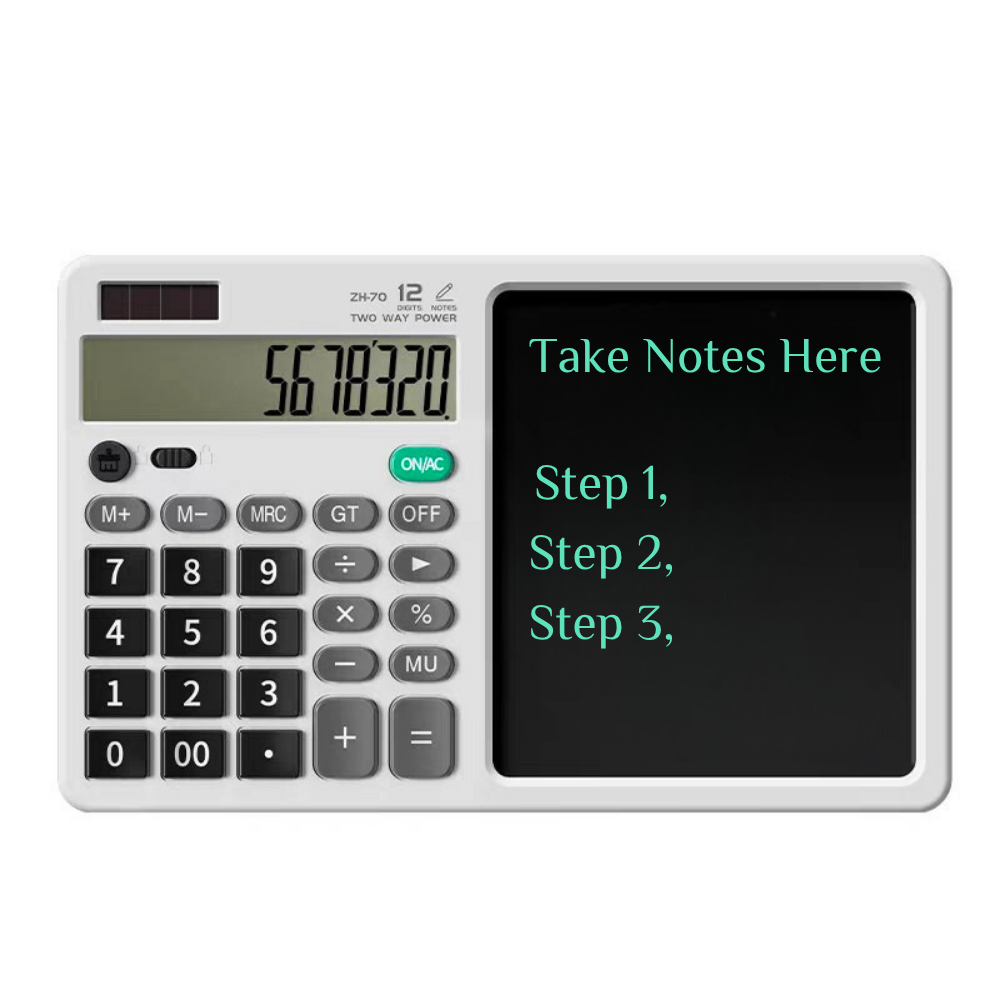
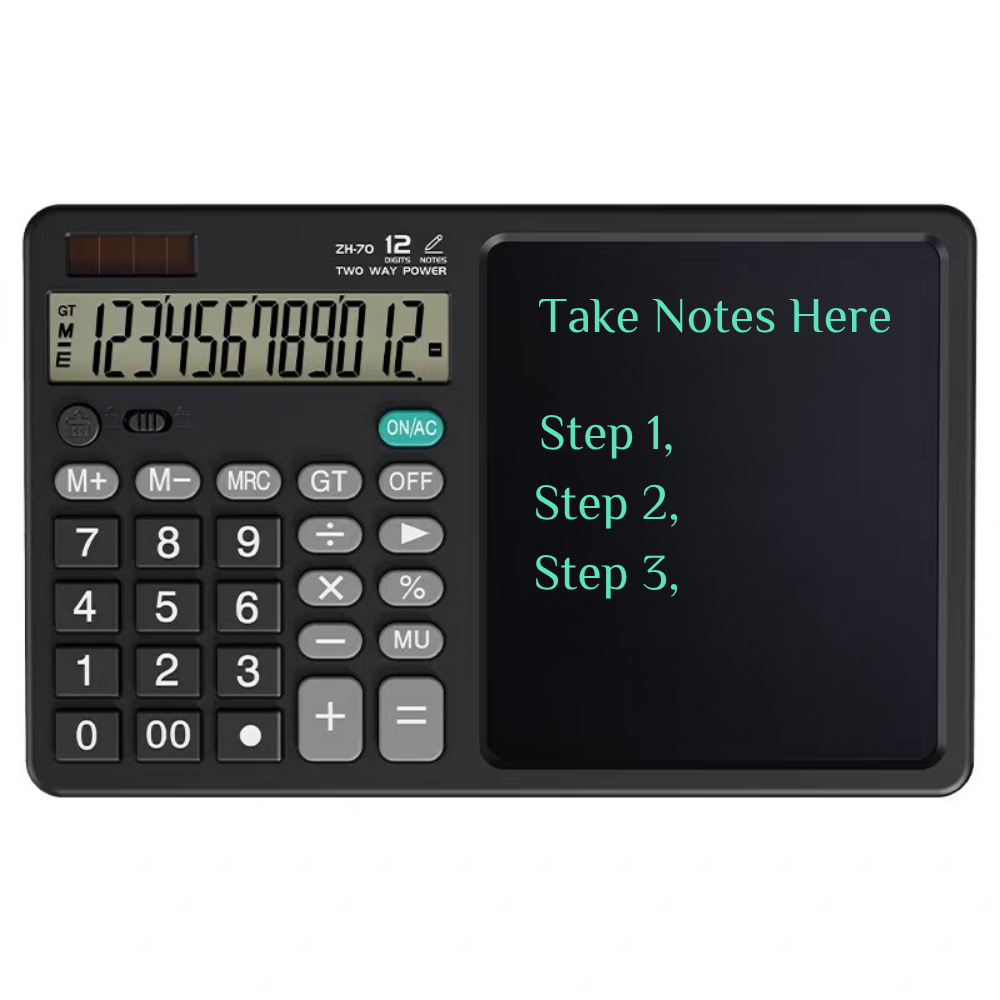

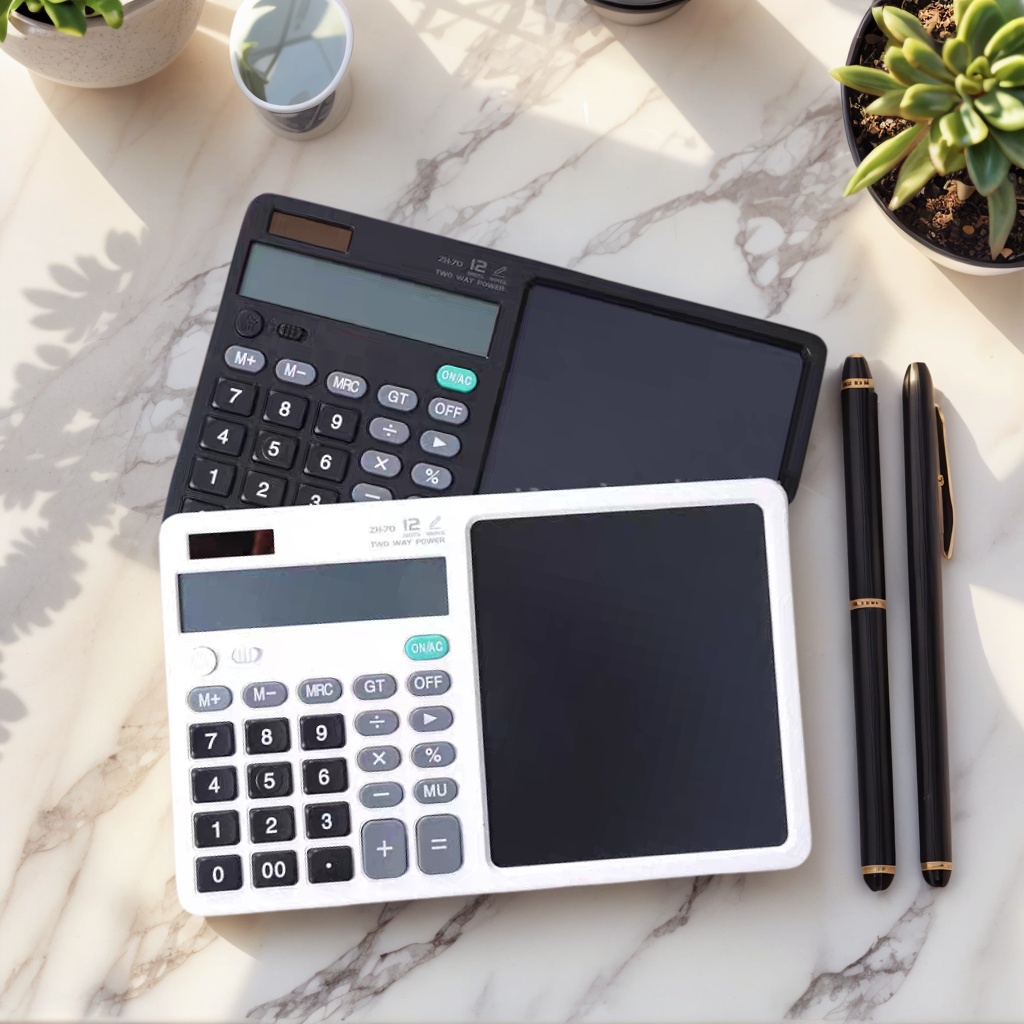

CalcPad is a flat desktop board with a 12-digit calculator built into one end and a clear writing screen across the rest. Notes, method steps, unit prices and reminders go onto the screen with one of the two supplied pens; the arithmetic goes into the keypad beside them, where whoever is sitting opposite can read both at once.
It suits work that moves quickly between a number and a note. A buyer checking a quote mid-meeting, a teacher working a problem in front of a class, a student copying a method, a warehouse team writing a count before it reaches the system and a receptionist taking a name and a reference number all need the same thing: one flat item on the desk instead of paper, a pen and a separate calculator.
The multi-functional calculation board sits beside a keyboard rather than taking over the desk. There is no stand to unfold, nothing to clip on and no cable to plug in, so it stays where it is put and is picked up when someone needs to carry it to a meeting room.
As a custom office stationery manufacturer, we supply the board with logo printing applied to the body, so a distributor, school supplier or brand can hand over a finished item rather than a blank unit.
- One item instead of three. The calculator and the writing screen share a single body, so nobody has to find a pad to write a figure on, or push a calculator aside when the desk fills up. - Reusable rather than refillable. Nothing is used up as the board is written on, which is what makes it a practical reusable calculation board for office and school settings where pads run out, get reordered late and end up half-used in a drawer. - Nothing to plug in. The board runs on a replaceable battery, so there is no cable, no dock and no charging routine to build into the working day. - A spare pen always on the board. Two styluses ship with every unit, so a pen left behind in a meeting room does not take the board out of service. - Quiet in shared rooms. The keypad uses silicone keys that press softly instead of clicking, and writing on the film makes no sound at all. - Flat enough to travel. There is no hinge, clip or folding foot to break in a bag, so the board goes to site visits, training days and exams as easily as it stays on a desk. - Branded as standard. As a custom office stationery manufacturer we print logos onto the body during production, so what arrives is a finished branded board rather than a blank unit waiting for a second supplier.
Body and finish. The shell is ABS with silicone detailing, finished matte so it does not throw glare back at the user under office lighting. The outline is a rounded oblong: no sharp corner sits under the wrist, and no edge catches a sleeve when the board is picked up.
The writing film. The screen is a liquid crystal film rather than a coated sheet. Pressure from the stylus holds a line on the panel, and a short pulse of voltage clears the whole surface at once. Because nothing is rubbed away or worn down, the same window keeps taking notes and giving them back.
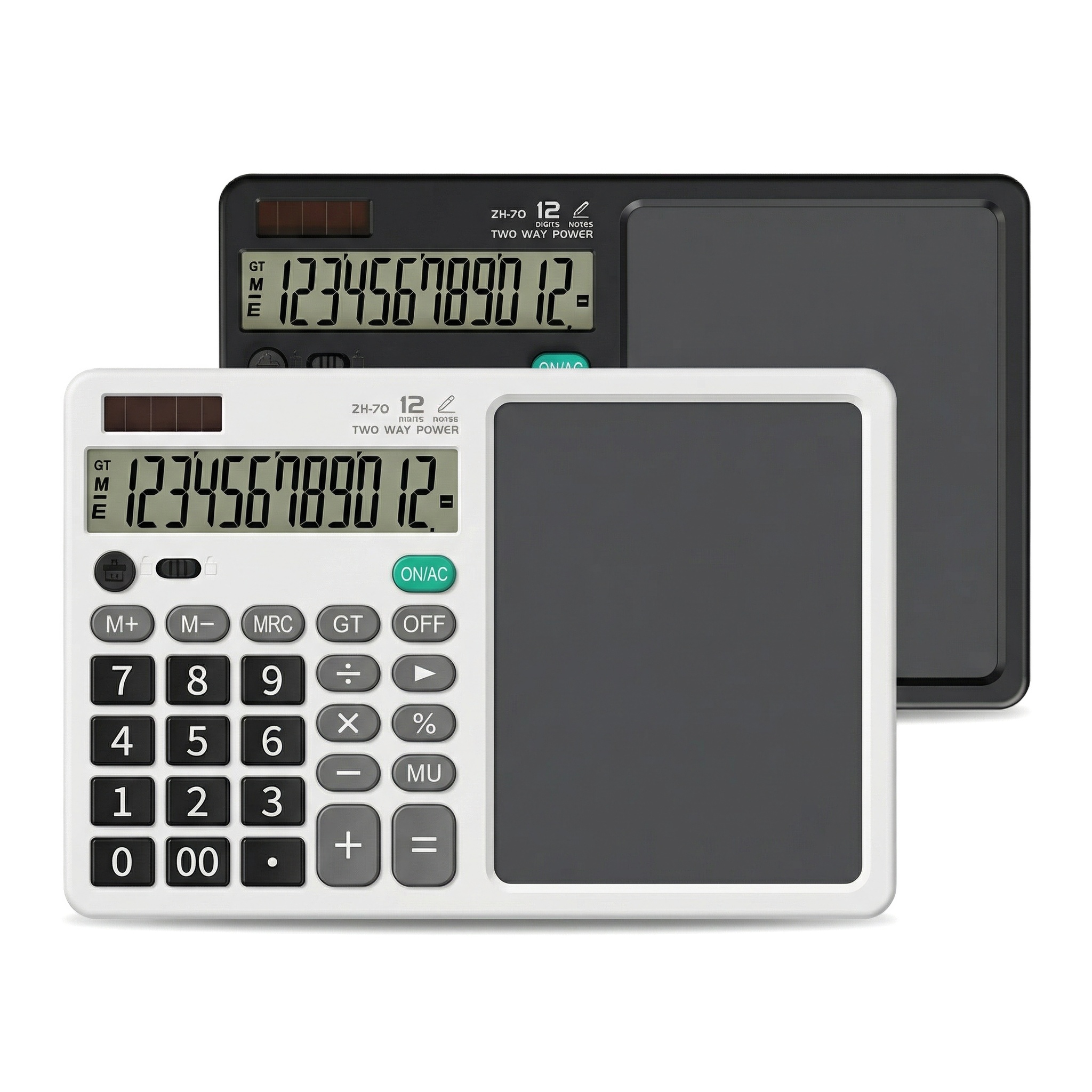
Proportions. The writing window takes up roughly half the face; the keypad owns the rest. That balance is what makes the board read like a notepad with a calculator built into the margin, rather than a calculator with a narrow strip of writing space beside it.
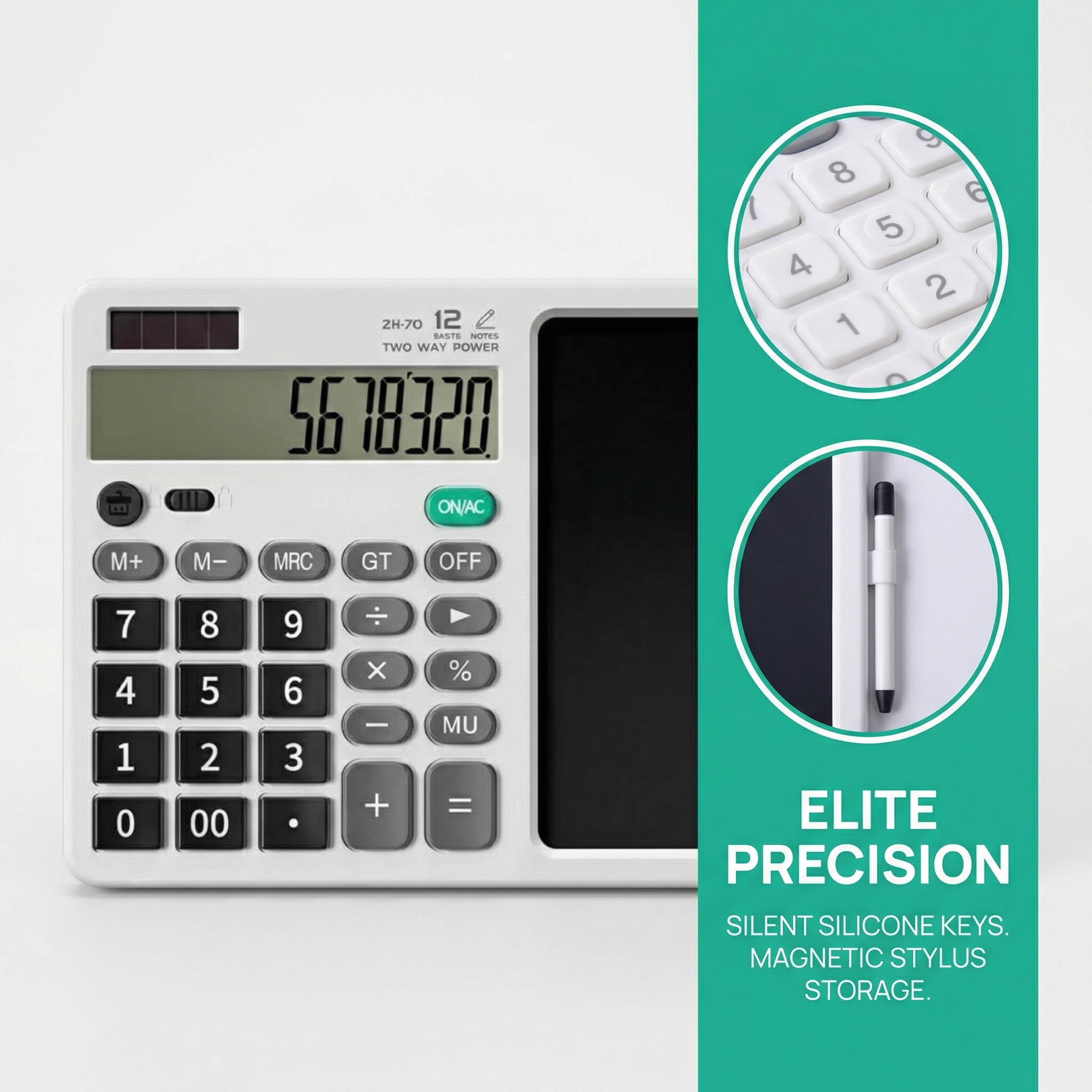
Pen storage. Both styluses seat magnetically on the board, so they stay with the unit instead of rolling under a monitor or disappearing into a drawer between meetings.
Keys. Silicone keys give a soft, quiet press and a surface that wipes clean after a day of handling, which matters when the board is shared rather than owned by one person.
Power. A solar strip works alongside the replaceable 3V cell — the two-way power arrangement marked on the calculator face — so the unit runs on ordinary room light and the cell covers the rest.
Made for printing. Logos are applied to the body as part of the build rather than added afterwards, so the mark sits with the matte finish instead of standing on top of it. A one-touch erase clears the board instantly, so there is no separate eraser to keep track of and no paper waste. The HD screen is designed to remain readable in different lighting, and the board can be customized with a logo and packaging for corporate use.
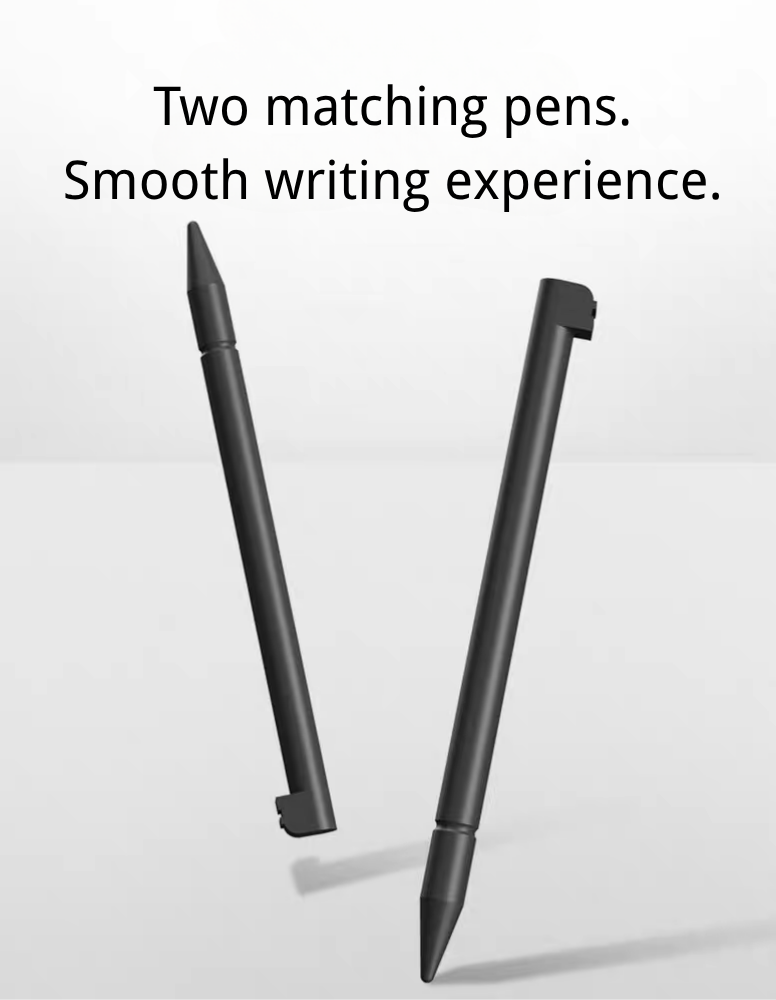
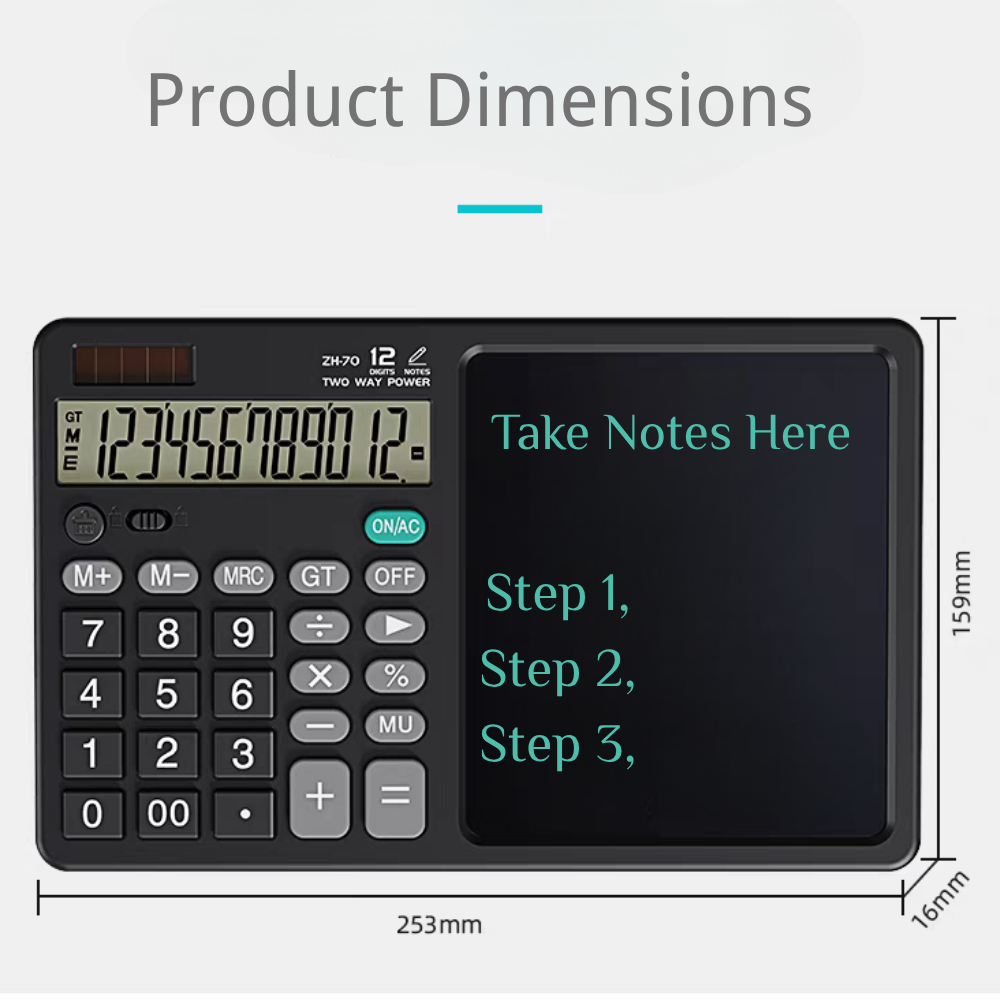
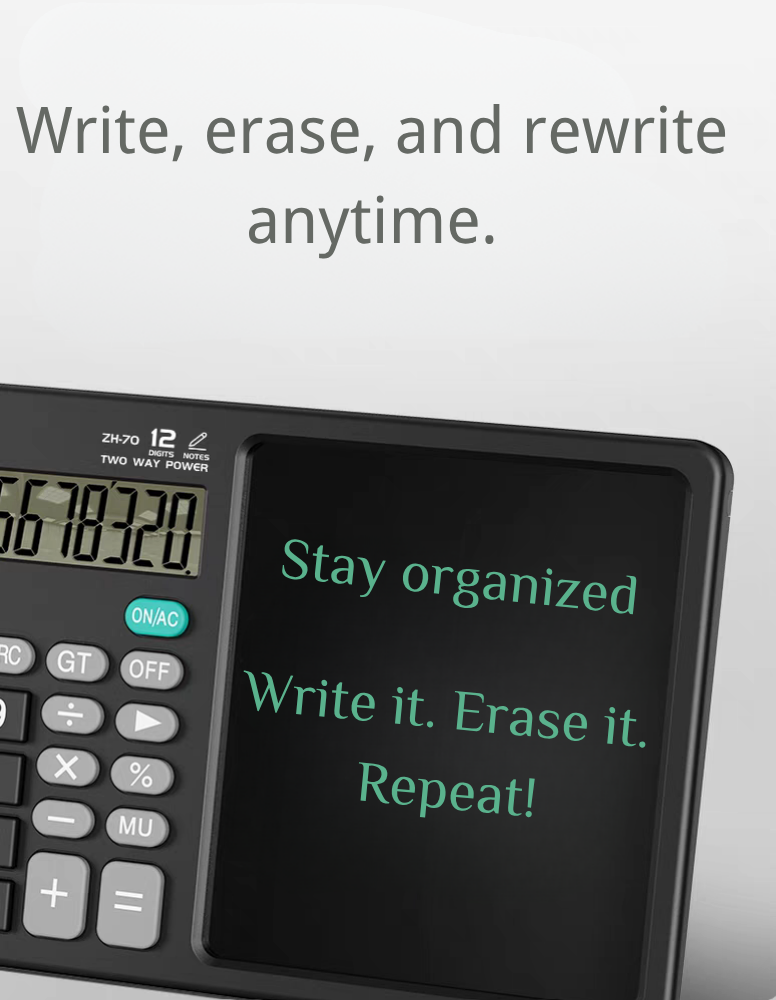
The writing surface and calculator share one compact chassis, so the board works as a single desktop tool rather than two separate pieces of equipment. ABS and silicone give the body a durable, lightweight feel for desktop or travel use, and the two included stylus pens support repeated use.
| Specification | Detail |
|---|---|
| Product code | 80901 |
| Overall size | 25.3 × 15.9 × 1.85 cm (9.96 × 6.26 × 0.73 in) |
| Writing area | 12.1 × 13.9 cm (4.76 × 5.47 in) |
| Weight | 249 g (8.78 oz) |
| Body material | ABS + silicone |
| Writing surface | Flexible liquid crystal film |
| Calculator | 12-digit display |
| Stylus | Two pens included |
| Battery | 3V, replaceable |
| Colour | White or Black |
| Compliance | CE, FCC and RoHS |
The finish is the only difference. White and black are the same board underneath: the same ABS and silicone body, the same liquid crystal film, the same 12-digit calculator, the same two styluses and the same replaceable 3V cell. Nothing about writing, clearing or battery life changes with the colour, so the decision is about who receives the board rather than about which version performs better.
Where each one sits naturally. White settles into paper-heavy rooms — school offices, training suites, reception counters and desks already covered in printed documents. Black holds its own among equipment: IT benches, site and warehouse offices, studios, and desks carrying a dark monitor, keyboard and charger. Think about the room the board will live in and the answer is usually immediate.
Logos read differently on each shell. A mark built from fine dark lines stays crisp on white and can close up on black; a pale or reversed mark needs the black shell to hold its edge. Where a programme carries both, approve the artwork on both before the run is booked, and treat them as two print approvals rather than one file scaled to fit.
Holding both finishes. A distributor serving mixed accounts can keep white for education and office-stationery customers and black for corporate gifting, IT and field-sales buyers, without the board becoming two products to explain. Both are the same build, so nothing extra has to be stocked alongside either colour. Ask your sales contact how a mixed-colour order is packed and labelled before it is placed, so the two finishes reach the warehouse already separated.
Picking one house colour. If the programme needs a single answer, count the accounts rather than the units. Where most boards go to schools, training providers and front-of-house teams, white is the easier default; where they go into technical, industrial or kit-based gifting channels, black tends to fit. Kits already built around notebooks, folders and printed material usually settle on white, while kits carrying a dark grey pen, a black stand or metal accessories usually settle on black. As a custom office stationery manufacturer we run both colours on the same multi-functional calculation board, so choosing one is never a choice between two grades of product.
Seeing it before you commit. Ask for a pre-production sample in the finish you are leaning towards, with your logo applied, and look at it in the light the recipients actually work in — a black shell reads quite differently under a warm desk lamp than under cool ceiling panels. It is a short check that costs far less than finding out after the run.
| Item | Detail |
|---|---|
| Branding | Custom logo printing applied to the board body during production |
| Logo artwork | Buyer-supplied vector files preferred; other formats reviewed before proofing |
| Print position | Agreed from the artwork proof before the run is scheduled |
| Proof approval | A proof is issued and signed off before production begins |
| Pre-production sample | Available on request; timing and cost confirmed with your sales contact |
| Packaging | Custom packaging design supported, including printed cartons and inserts |
| Manuals and inserts | Language and wording agreed at proof stage |
| Barcodes and labels | Applied to buyer instruction where point-of-sale scanning is required |
| Repeat runs | Matched to the original approved artwork and proof |
| Order volume | Agreed per project |
| Production schedule | Confirmed when the order is placed |
| Delivery terms | Confirmed with your sales contact |
We are an integrated manufacturer and trading company established in 2005, with more than two decades supplying wholesalers, brand owners and distributors across North America and Europe. Our broad range of promotional and corporate gift products lets buyers consolidate different requirements with one supplier. OEM and ODM support is available for custom branding and product development, and our team coordinates production and export from first inquiry through delivery.